Soap Making Software for Mac: Best Options in 2026
Looking for soap making software that works on Mac? Compare the best recipe calculators, batch trackers, and business tools for macOS users who make handmade soap.
Quick Answer
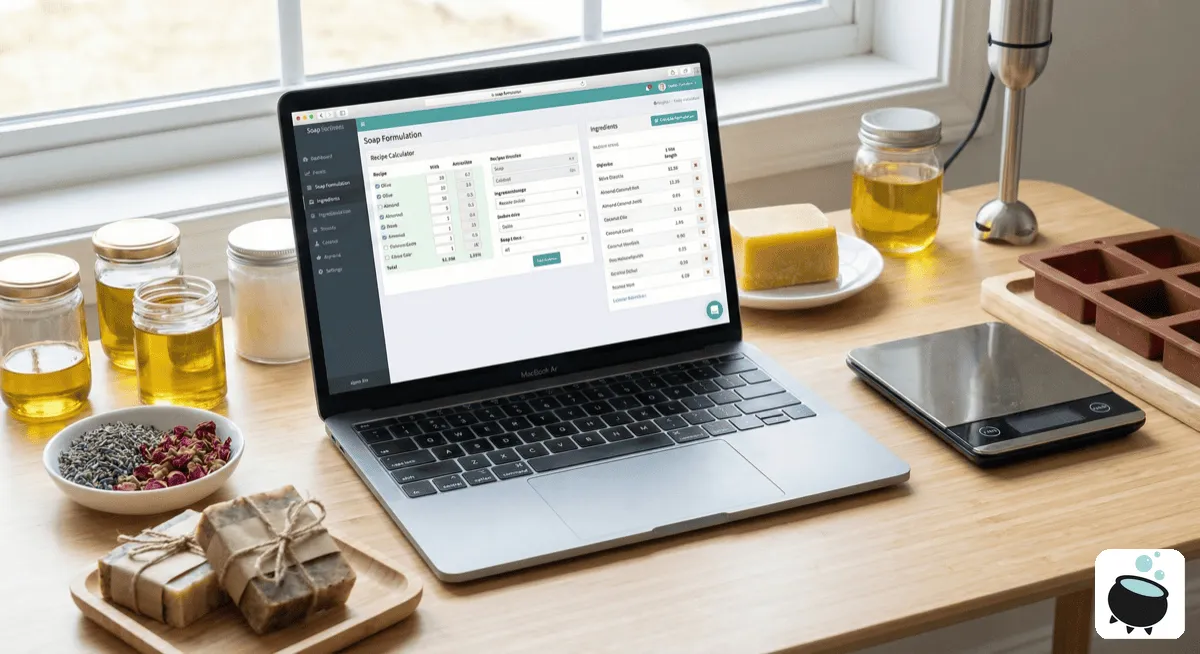
Most soap making software is Windows-only, leaving Mac users with limited options. Web-based calculators work on Mac but lack offline access and advanced features. Potion Hub is one of the few desktop applications designed to work natively on both Mac and Windows.
The Mac User's Soap Making Software Problem
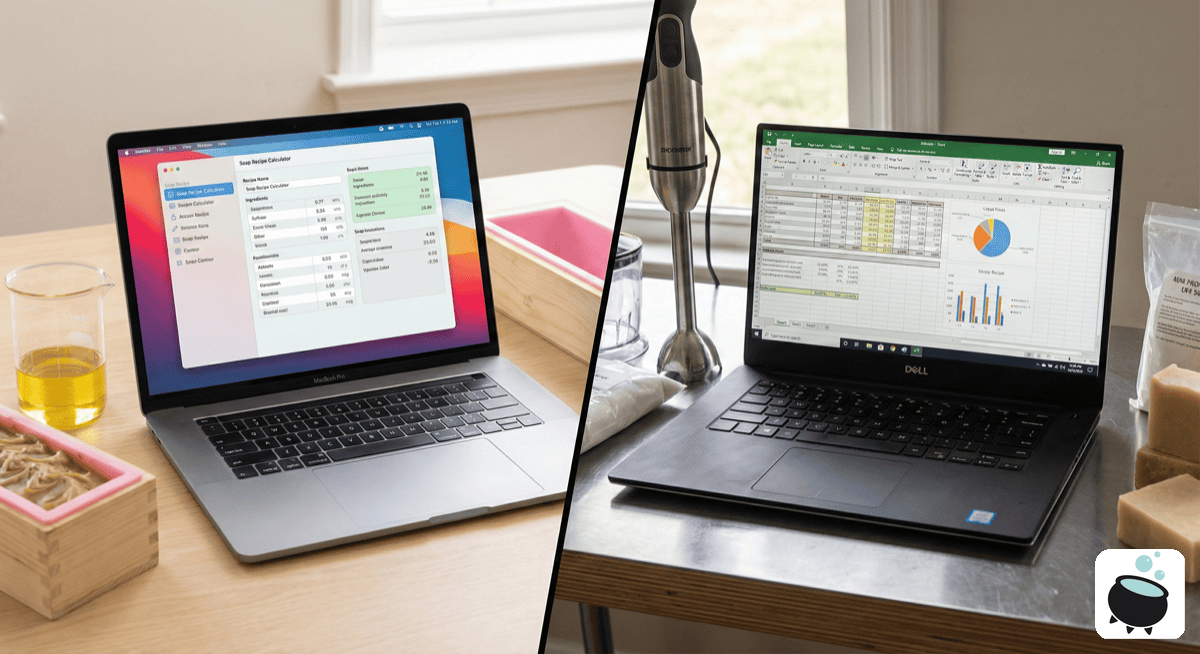
If you're a soap maker using a Mac, you've probably discovered a frustrating reality: most soap making software doesn't work on macOS. The most well-known desktop program, SoapMaker 3, is Windows-only—and has been since it launched over a decade ago.
This leaves Mac users with three imperfect choices:
- Use web-based calculators (limited features, requires internet)
- Run Windows emulation software (complex, expensive)
- Switch to a Windows computer (not ideal for Mac-invested users)
Why Most Soap Software Is Windows-Only
The soap making software market is small and niche. Most developers built their tools years ago when Windows dominated the PC market. Porting software to Mac requires significant development resources, and many small developers haven't made the investment.
This has created an underserved market of Mac-using soap makers who want professional tools but can't access them.
Current Options for Mac Users
Web-Based Calculators
Pros:
- Work on any operating system
- Free or low-cost
- Always updated
Cons:
- Require internet connection
- Limited recipe storage
- No inventory tracking
- Can't work offline at craft shows
- Data stored on someone else's server
Popular web calculators include SoapCalc, Bramble Berry's calculator, and various others. They handle basic lye calculations but lack the business features serious soap makers need.
Windows Emulation on Mac
Pros:
- Access to all Windows software
- Run existing tools
Cons:
- Expensive (Parallels costs $99+/year, plus Windows license)
- Uses significant system resources
- Complex to set up
- Poor integration with macOS
- Battery drain on laptops
Dedicated Mac Soap Making Software
The rare option: software actually designed for macOS. These applications:
- Install and run natively
- Don't require internet for core features
- Integrate with Mac ecosystem
- Use familiar macOS interface conventions
- Don't drain battery with emulation overhead
Features Mac Soap Makers Should Look For
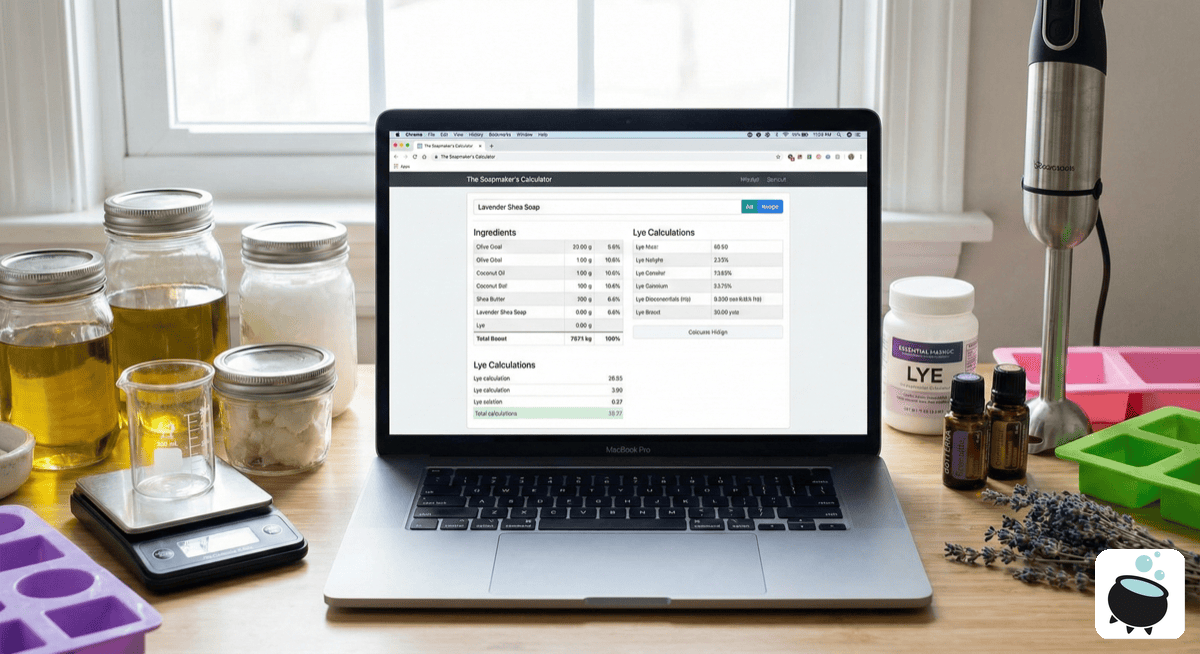
When evaluating soap making software for your Mac, consider:
Must-Have Features
| Feature | Why It Matters |
|---|---|
| Native Mac app | No emulation overhead, better performance |
| Offline functionality | Work without internet |
| Automatic lye calculations | Safety and accuracy |
| Recipe scaling | Easily adjust batch sizes |
| Ingredient database | Quick recipe building |
Nice-to-Have Features
| Feature | Why It Matters |
|---|---|
| Inventory tracking | Know what supplies you have |
| Batch management | Track production history |
| Cost calculations | Price products accurately |
| Notes and photos | Document your process |
| Export options | Share or backup data |
Comparing Your Options
| Feature | Web Calculators | Windows Emulation | Native Mac App |
|---|---|---|---|
| Works offline | No | Yes | Yes |
| Mac native | No | No | Yes |
| Setup complexity | Easy | Complex | Easy |
| Additional cost | None | $150+ | Varies |
| Battery friendly | Yes | No | Yes |
| Recipe storage | Limited | Unlimited | Unlimited |
| Inventory tracking | Rarely | Yes | Yes |
| Business features | No | Yes | Yes |
What About Spreadsheets?
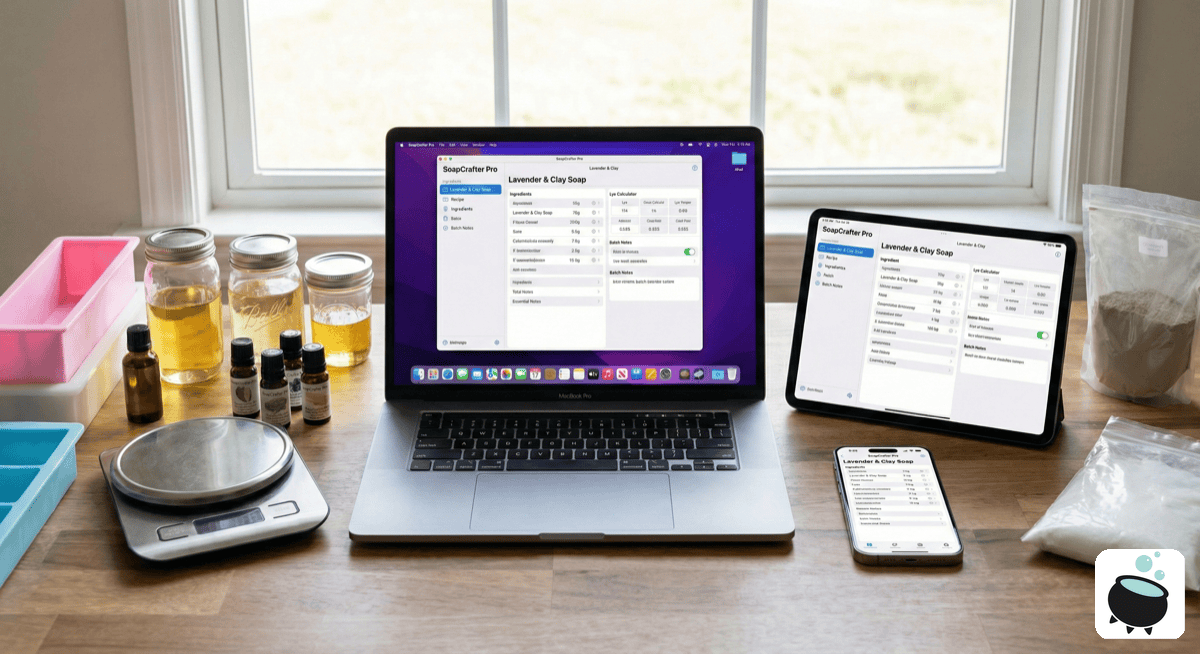
Some Mac soap makers create elaborate Excel or Numbers spreadsheets to track recipes. While this works, it has drawbacks:
- Manual calculations risk errors
- No built-in SAP value database
- Difficult to scale recipes
- No inventory integration
- Time-consuming to maintain
Spreadsheets can supplement dedicated software but shouldn't replace it for serious soap making.
The Future of Mac Soap Making Software
The market is slowly changing. Newer software developers recognize that Mac users make up a significant portion of creative entrepreneurs—including soap makers. Cross-platform development tools make it easier to build software that works on both Windows and macOS from day one.
Frequently Asked Questions
Can I run SoapMaker 3 on my Mac?
Not directly. SoapMaker 3 is Windows-only software. To run it on Mac, you'd need virtualization software like Parallels Desktop or VMware Fusion, plus a Windows license. This adds $150+ in costs and complexity.
Why don't more soap software developers support Mac?
The soap making software market is small, and historically, developers focused on Windows where most users were. Cross-platform development has become easier, so newer tools are more likely to support Mac.
Is web-based software good enough for professional soap makers?
For basic calculations, yes. For running a soap business with inventory tracking, batch management, and cost analysis, web-based tools typically fall short. They also require internet access, which isn't always available.
What's the best free option for Mac?
Free web-based calculators like SoapCalc handle basic lye calculations. For more features without cost, you could create a Numbers spreadsheet, though this requires manual setup and maintenance.
Will my recipes transfer if I switch software?
This depends on the software. Some programs allow CSV exports, making migration possible. Others lock your data in proprietary formats. Always check export capabilities before committing to any software.
Conclusion
Mac-using soap makers have been underserved by software developers for years, but options are improving. Web-based calculators provide basic functionality, while native Mac applications offer the professional features serious soap makers need without the hassle of Windows emulation.
When choosing software, prioritize native Mac compatibility, offline functionality, and the features that matter most to your soap making business. The right tool will save time, reduce errors, and help you grow your craft professionally.
Ready to Manage Your Recipes Like a Pro?
PotionHub helps soap and candle makers calculate lye, track batches, manage inventory, and grow their business.
Get PotionHub